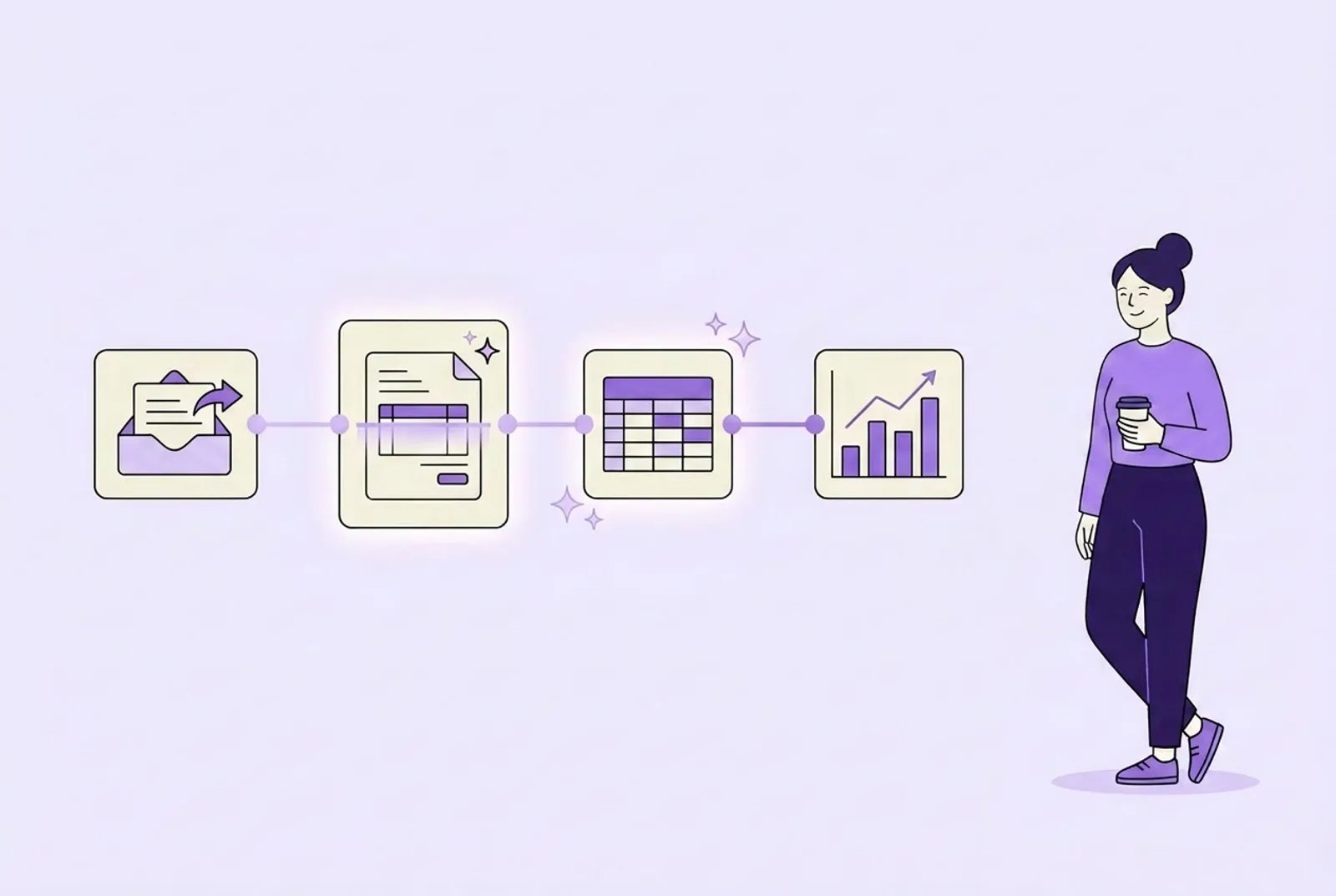

AI automation for a small business means software completes the repetitive work that happens between your tools: reading an incoming order email, pulling out the details, updating the spreadsheet, sending the confirmation. The AI part handles what old-style automation never could, the unstructured middle, so the workflow runs end to end without a person retyping anything.
I am the founder of Credminds, and building these systems for small and mid-sized businesses is what we do all day. Which means you should read this the way you would read a barber’s opinion on haircuts: informed, but interested. So I will be specific about the projects we tell owners not to do, not just the ones we take on.
What counts as AI automation (and what is just plain automation)
Three things get sold under the automation label, and the differences decide what you should buy.
| Trigger | The middle | Example | |
|---|---|---|---|
| Plain automation | A predictable event | Fixed steps, no interpretation | Form submitted, row added to a sheet |
| AI automation | Any incoming work | AI reads, extracts, classifies, drafts | Order email arrives in any format, system updates inventory and confirms |
| AI agent | A goal | Plans its own steps, adapts | Handles a customer request across email, CRM, and calendar |
Plain automation has existed for years and it is great, as far as it goes. It breaks the moment inputs stop being tidy: an order that arrives as a photo of a handwritten list, an invoice with a layout the template has never seen, a customer email that mixes a complaint with a reorder.
AI automation keeps the pipeline but puts a model in the messy middle. The trigger and the destination are fixed; the reading, extracting, and drafting are done by AI. That single upgrade is what makes automation finally work on the inputs real businesses receive.
AI agents go one step further and decide the steps themselves. They are the right tool for a narrower set of problems, and we wrote a separate honest guide on AI agents for small businesses covering when that jump is justified.
The six workflows small businesses automate first
Across our client work, the automations that survive and quietly compound are aimed at the same six places:
- Order processing. Orders arrive by email, WhatsApp, and web form, in every format imaginable. An automation reads each one, extracts the line items, updates inventory, and sends the confirmation. Nobody retypes an order again.
- Lead follow-up. An inquiry that arrives at 8pm gets answered at 8:02pm, with the qualifying questions you would ask, and lands in your CRM already summarized. Speed is the whole game in lead response, and machines do not go home.
- Data entry between systems. The invisible job nobody was hired for: copying details from the inbox into the spreadsheet, from the spreadsheet into the accounting tool. This is the least glamorous automation and often the first one owners thank us for.
- Document handling. Invoices, delivery notes, applications, compliance forms. AI reads them regardless of layout, extracts what matters, files the rest, and flags the ones a human genuinely needs to see.
- Inbox triage. A shared inbox where every message is read, categorized, routed to the right person, and the routine half answered with a draft ready for approval.
- Weekly reporting. Numbers pulled from three tools into one plain-language summary every Monday morning, so decisions stop waiting for whoever knows the spreadsheets.
Notice the pattern: frequent, rule-based, and boring. That is deliberate. The flashy automation projects fail; the boring ones run for years. We go deeper on each of these on our AI automation services page.
Not sure which of your workflows is the right first candidate? Tell us your most painful manual process and we will give you an honest read on what is automatable and what is not.
Get a free workflow auditHow to pick your first automation: a five-point test
Run any candidate workflow through these five checks:
- It happens at least weekly, ideally daily. Rare work never repays the setup.
- The rules are stable. If how you handle it changed twice this quarter, automating it locks in a version you are about to abandon.
- The inputs are digital or can be. Emails, documents, form submissions, messages. AI reads all of these well now, including scans and photos.
- A correct result is definable. You can say, specifically, what “done right” looks like, which means you can check the automation’s work.
- One person will own it for the first few weeks, reviewing outputs before the system runs unattended.
Five out of five means build it. Three or fewer means pick a different workflow, or tighten this one first. The most common mistake we see is not automating badly; it is automating the wrong process, one that should have been simplified or killed instead of accelerated.
What AI automation looks like in practice
Two of our projects show the range.
Livestock Go is a livestock transport marketplace we built where every shipment must comply with transport policies. Instead of a person gatekeeping each booking, the platform enforces the rules automatically, across all of it: 100% automated policy enforcement, with live GPS visibility on every shipment. The compliance work did not get faster; it stopped being work.
ShopiVibes is an AI loyalty platform for local retailers. It watches purchase patterns, predicts which customers are about to drift away, and runs the win-back campaigns automatically. The retailer sees the result, not the process: the kind of marketing that used to wait for a free afternoon now simply happens.
Different industries, same shape: the repetitive detection-and-action loop runs on its own, and the humans handle what actually needs a human.
Off-the-shelf tools or a custom build?
Honest answer, even though we sell the custom side: start with a connector tool if your workflow fits one. Zapier, Make, and their relatives handle clean trigger-and-action work well, and you can have something running today.
The ceiling shows up in three places:
- Unstructured inputs. Connector tools pass data between apps; they do not read a rambling customer email or a scanned invoice. The moment interpretation enters the pipeline, you need AI in the middle, built and tested against your real inputs.
- Your systems. Older software, industry-specific tools, or anything without a polished integration is where connector tools stall. Custom automation, written in real code, connects to whatever has an interface, however unloved.
- Judgment in the middle. When step three of the workflow is “decide whether this is a standard case,” templates flatten the nuance. A custom build encodes your actual rules, including the exceptions that make your business yours.
A custom automation is code you own, not a subscription you rent, and for anything sensitive it can run on infrastructure you control. Ours typically go live inside two to four weeks. The fair rule of thumb from our AI agents guide applies here too: when an off-the-shelf tool covers the whole job, use it; when it covers 70% and the missing 30% is the actual pain, that gap is what custom work is for.
When automation is the wrong move
We decline automation projects regularly. The recurring reasons:
- The process is the problem. Automating a broken workflow gives you the same mess, faster. If two employees handle the same case differently and both think they are right, settle the process first.
- Nothing is written down. An automation needs your rules and edge cases as raw material. “It’s all in my head” is fixable, but fix it before the build.
- The volume is not there. If a task takes twenty minutes twice a week, keep doing it by hand and spend your energy where the hours actually go.
- You want it because AI is everywhere. The owners who get real results come with a specific pain, not a general ambition. If you cannot name the workflow, you are not ready to automate one, and a good consultant will tell you exactly that. We wrote about what that conversation should sound like in our guide to hiring an AI consultant.
None of these mean never. They mean not yet, and the distinction saves months.
Final thoughts
AI automation earns its reputation one boring workflow at a time. The wins are rarely dramatic on day one: an inbox that triages itself, orders that flow through untouched, a report that appears on Monday without anyone assembling it. Then three months pass, and the team quietly notices the afternoons came back.
Start with one workflow that passes the five-point test. Get it running end to end, keep a human reviewing it for the first weeks, and measure the before and after. If the phone is the workflow that hurts most, start instead with our guide to AI receptionists for small businesses, and if you are still deciding whether to build, buy, or bring in help, the consultant guide walks through that decision honestly.